
Sign in
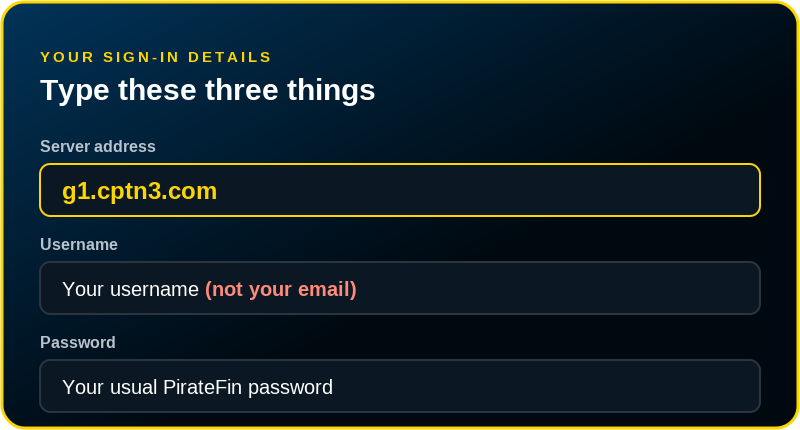
- Open the app. (Don’t have it yet? Set up your device.)
- If it asks for a server, type
g1.cptn3.com. - Type your username and password, then tap Sign in.
- Tap your profile. If it asks for a PIN, type it in.
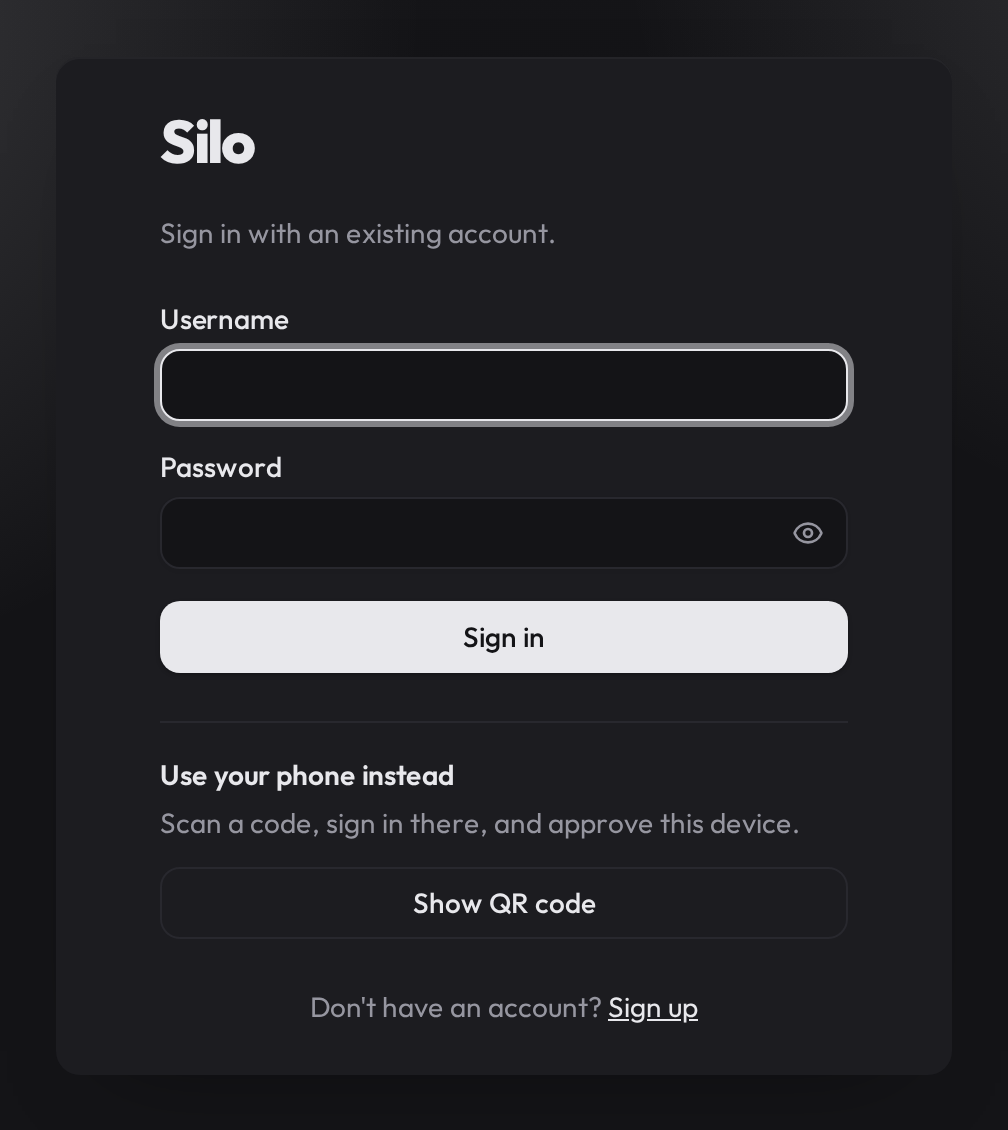
Here is the sign-in screen in a web browser:
Forgot your username or password?
Section titled “Forgot your username or password?”They’re in your client area, under your PirateFin service. You can change your password there too.
Open my client areaTyping on a TV is a pain?
Section titled “Typing on a TV is a pain?”The Silo app can show a QR code on your TV. Scan it with your phone, sign in there, and your TV signs in by itself. How it works (Silo’s guide)
Still can’t get in?
Section titled “Still can’t get in?”See Fix a problem, or ask us on Discord.